
Digital Fleet Support
One QR code. Every truck’s own record.
Built for technicians in the field and fleet managers in the office. Scan the code on a Mullin truck to open its record, or log in to see your company’s whole fleet.
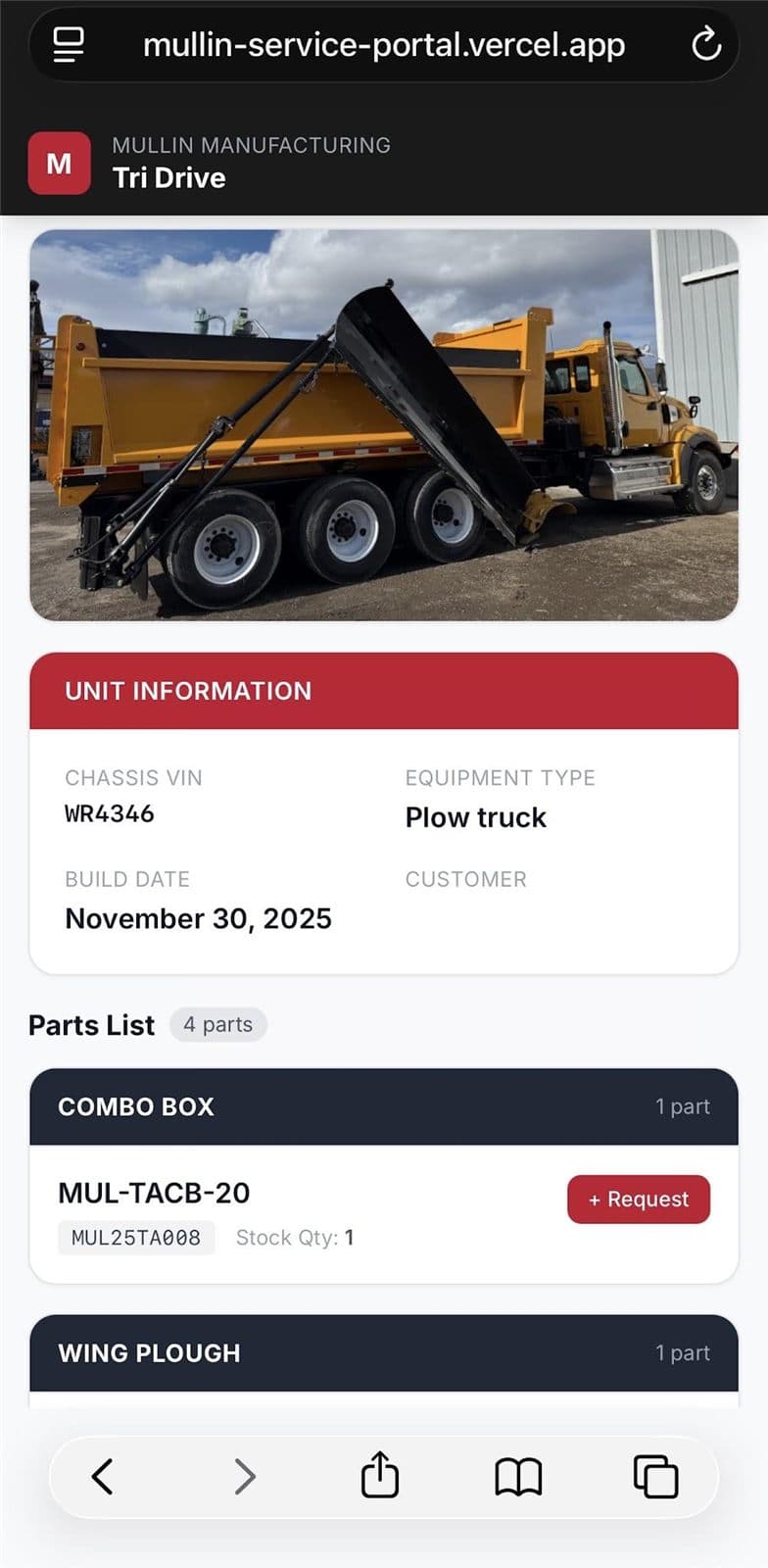
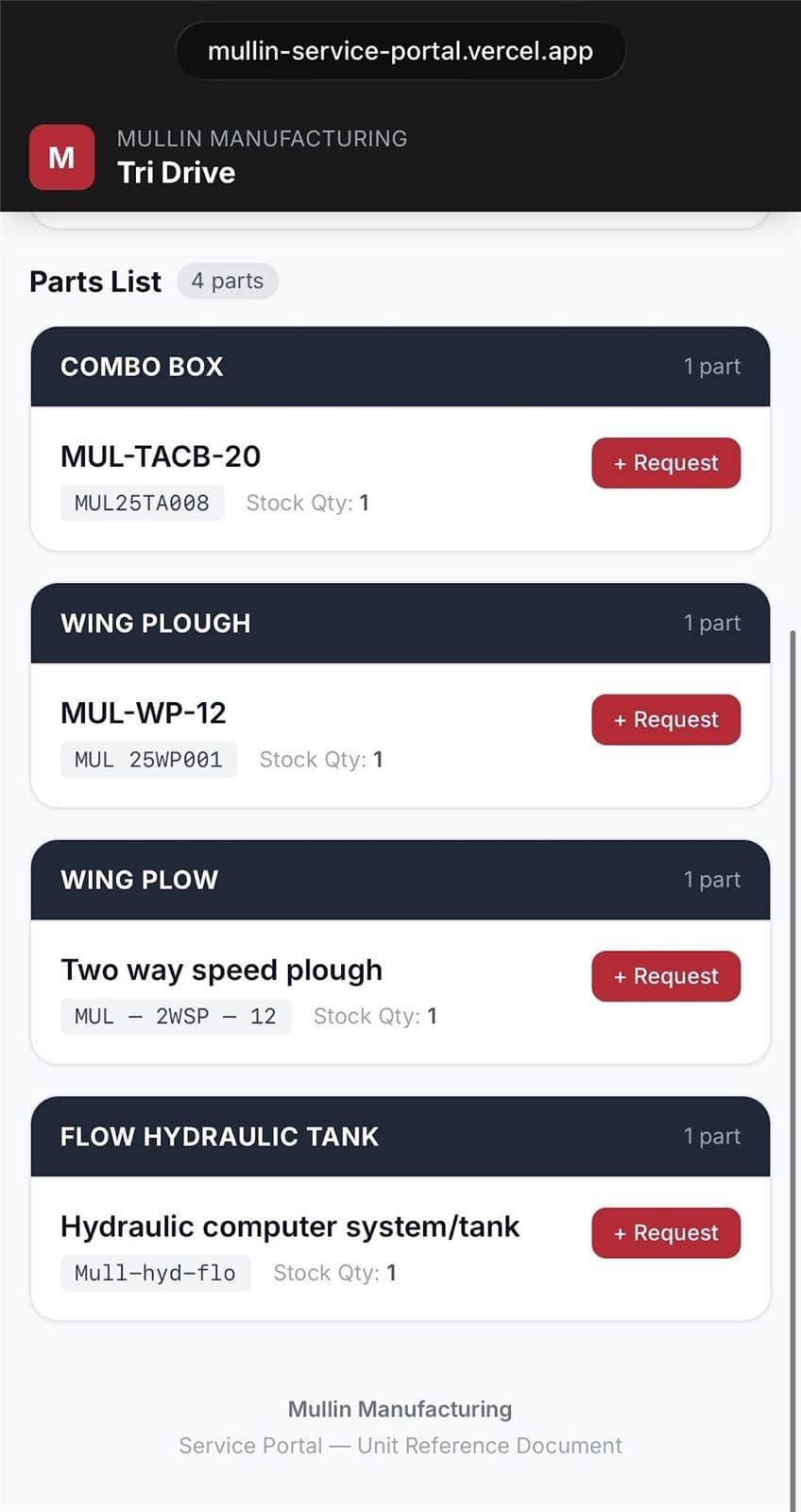
Scan · Identify · Order
Durable QR labels go on each supported truck and selected major components. Each code also carries a human-readable ID, so support still works if a label is damaged.
Already running on all five complete Mullin truck builds, and included with qualifying future upfits.
What’s in the record
Less searching. Less downtime.
Manuals and safety information stay connected to the exact truck, cutting search time, ordering errors and downtime.
Your Whole Fleet
Each company gets its own logins to see every Mullin truck it runs in one place. Fleet managers can open any unit’s record from the office.
Unit-Specific Parts
Replaceable parts organized by equipment system, with unit-specific part numbers and stock quantities.
Direct Parts Requests
Request replacement parts straight from the truck’s record, with fewer ordering errors.
Manuals
Operator, installation and service manuals, connected to the exact truck.
Torque Specifications
Approved torque specs and fastener procedures for consistent, safe reassembly.
Schematics
Hydraulic and electrical schematics for faster troubleshooting in the field.
Safety & Maintenance
Safety procedures, inspection checklists, preventive-maintenance schedules and warranty information.
Controlled, approved information
Only approved, revision-controlled documents are published. Safety-critical values like torque specs require engineering approval, and access levels separate public operator information from customer, technician and warranty records.